How many modules does your panel need?
Put your devices on the rail and choose the spare space: you get the number of modules you need, the nearest standard size and the ABB enclosures that fit it all. The result is a PDF with the row layout.
- No sign-up
- ABB enclosures from the catalogue
- Row layout and PDF

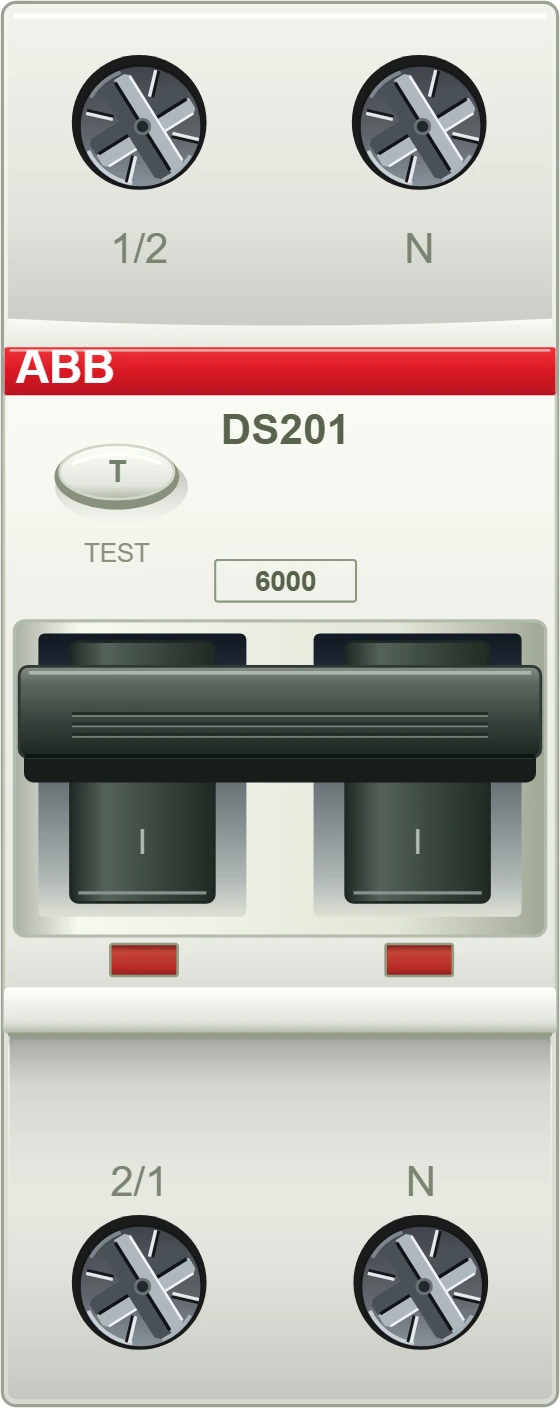
Put your devices on the rail
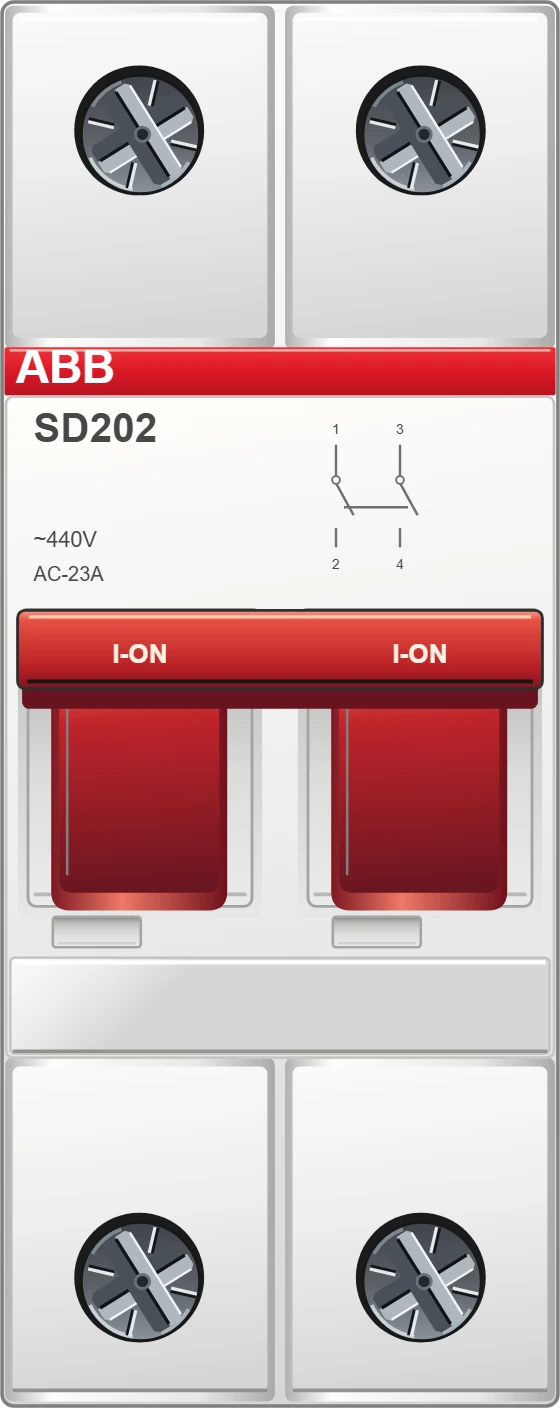
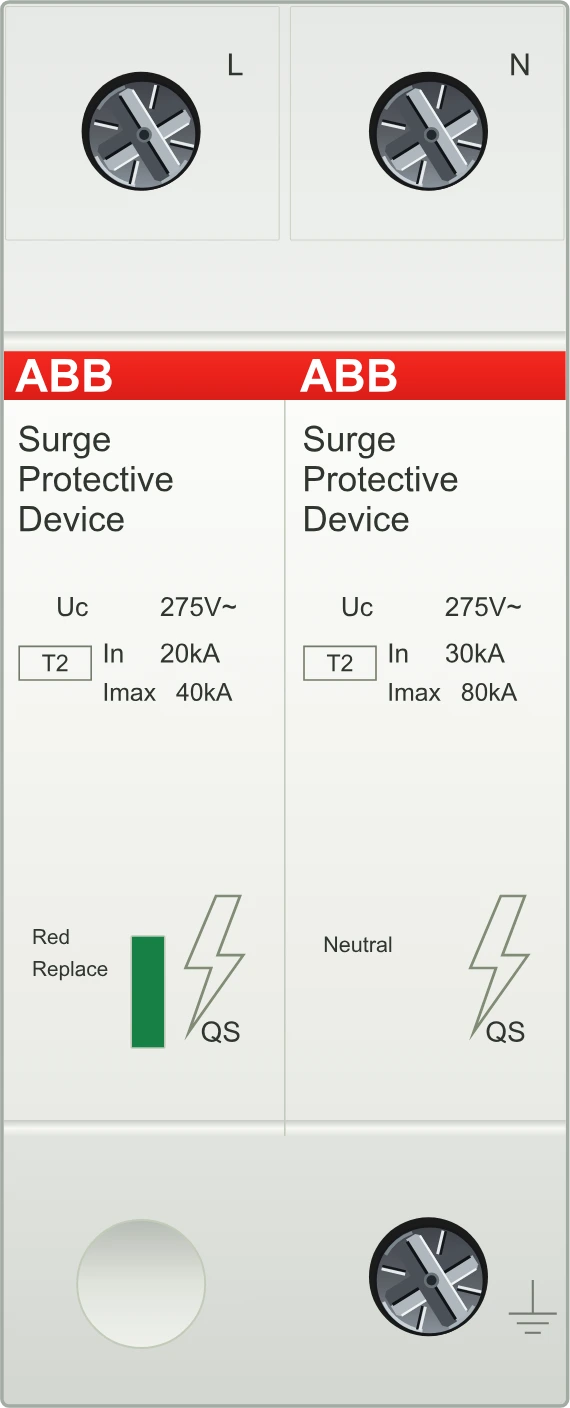
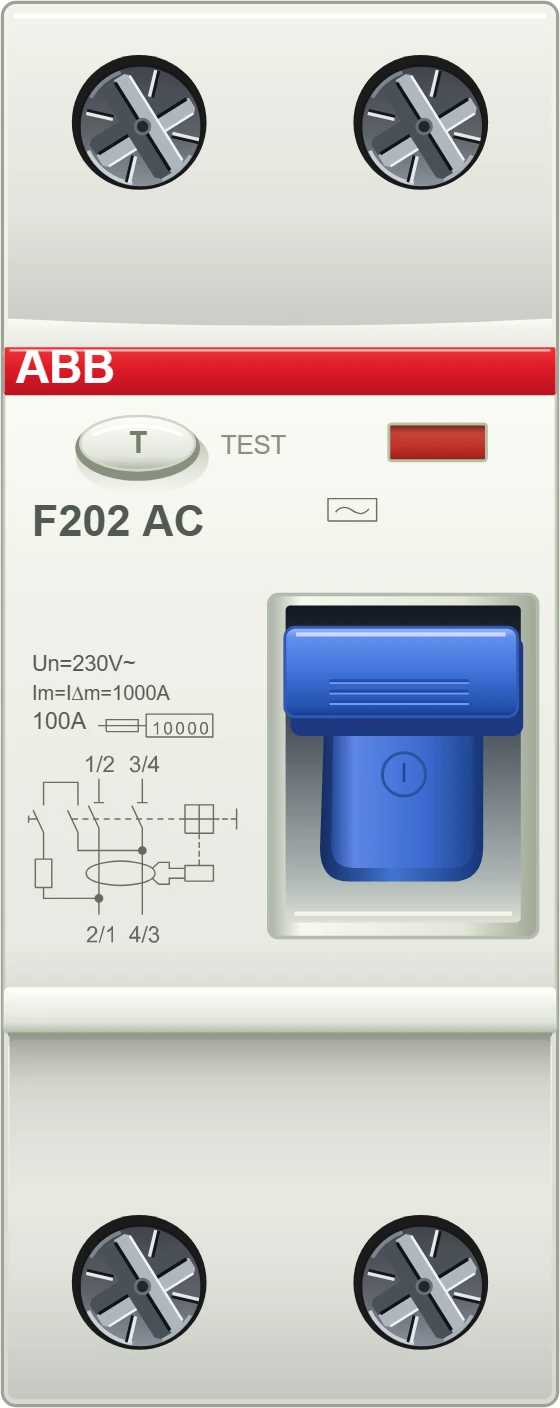
Click devices in the palette: they go onto the rail in order and to scale. Used modules are counted from each device's width, and you can leave gaps between circuits too.
Your panel exactly: rows, the width of every device, ratings. It's saved in the browser and is the same on the labels and diagram pages.
Decide how much to keep spare
Spare means free places on the rail for new circuits. Choose a percentage: the page recalculates how many modules you need and shows the nearest standard panel size.
The “you need N modules” figure and the standard size: 12, 18, 24, 36, 48, 54, 72, 96 and up. You can also check your existing panel: does it fit or not.
Choose an enclosure and see the layout
Below are ABB enclosures at least the size you need, smallest first. Pick one: the devices are placed in its rows, with spare and free places marked separately.
A PDF on two A4 sheets: device list, module totals, the chosen enclosure and the row layout. Vector file, any alphabet.
How to count the modules in a panel
Modules are width. Every device on a DIN rail takes a whole or half number of modules, and panels come in rows of 12, 18 or 24 modules. Count in two passes: the space used and the spare for the future.
- Find the width of each device
One module is 17.5 mm, the width of a single-pole breaker. A two-pole breaker is 2 modules, three-pole 3, four-pole 4. A two-pole RCD is 2 modules, a four-pole one 4.
- Add them all up
Breakers, RCDs, RCBOs, main switch, SPD, relays, energy meter. Empty modules you leave between circuits count too.
- Round odd widths to the nearest half
A 22.5 mm voltage relay is 1.5 modules, a 44 mm DIN-rail socket is 2.5. That way the count matches how devices sit on the rail.
- Add spare space
In practice people allow 20–30 %: something always gets added later. Multiply the total by 1.2–1.3 and round up to a whole module.
- Find the standard size and check the rows
Panels come in 12, 18, 24, 36, 48, 54, 72, 96 modules and more. Take the nearest size not smaller than your total, then look at the layout: a device can't be cut, so a row may end with space you can't fill.
In a flat, breakers, RCDs and RCBOs take 24 modules. With 20 % spare that's 24 × 1.2 = 28.8, so 29 modules. The nearest standard size is 36: two rows of 18 modules.
| Device | Width | Modules |
|---|---|---|
| MCB 1P | 17.5 mm | 1 |
| MCB 1P+N | 35 mm | 2 |
| MCB 2P | 35 mm | 2 |
| MCB 3P | 52.5 mm | 3 |
| MCB 4P | 70 mm | 4 |
| RCD 2P | 35 mm | 2 |
| RCD 4P | 70 mm | 4 |
| RCBO 1P+N | 35 mm | 2 |
| RCBO 3P+N | 70.4 mm | 4 |
| Isolator 1P | 17.5 mm | 1 |
| Isolator 2P | 35 mm | 2 |
| Isolator 3P | 52.5 mm | 3 |
| Isolator 4P | 70 mm | 4 |
| SPD 1P+N | 35.6 mm | 2 |
| SPD 3P+N | 71.2 mm | 4 |
| Voltage relay | 22.5 mm | 1,5 |
| Meter 1-phase | 35 mm | 2 |
| Meter 3-phase | 70 mm | 4 |
| Contactor | 36 mm | 2 |
| Impulse relay | 18 mm | 1 |
| Timer | 35 mm | 2 |
| DIN-rail socket | 44 mm | 2,5 |
Widths are taken from the ABB device drawings in the studio library. A blank module is 17.5 mm and 1 module.
Questions about panel size
Need an exact panel with rails and enclosure rather than a rough estimate? Build it in the studio.
How do I work out how many modules my panel needs?
Add up the width of all devices in modules (one module is 17.5 mm), add 20–30 % spare and round up to the nearest standard size: 12, 18, 24, 36, 48, 54, 72 or 96 modules. On this page the rail is built from real devices, and the total and spare are calculated for you.
How much spare space should I leave?
For a flat where the renovation is finished, 20 % is usually enough. In a house where a garage, sauna or EV charger will be added later, 30–50 % is wiser. Spare space means free places on the rail, not extra centimetres of enclosure.
What is a module in a panel?
A module is the width of one single-pole breaker on a DIN rail: 17.5 mm (often rounded to 18 in conversation). A two-pole device takes 2 modules, three-pole 3, four-pole 4.
How many modules do a voltage relay and a DIN-rail socket take?
Width is counted to the nearest half module. A 22.5 mm voltage relay is 1.5 modules, a 44 mm DIN-rail socket is 2.5 modules. Other sizes are in the table below.
How do I check whether everything fits in an existing panel?
On the second step, enter how many modules your panel has. The page compares it with what you need including spare and tells you whether it all fits and how many modules are left, or how many are missing.
Why are devices laid out by row instead of just added up?
Each row of an enclosure holds a fixed number of modules, and a device can't be cut in half. If a row has one free module left and the next device is wider, it moves to the next row. The layout on the page shows this up front, before you buy an enclosure.
What if I need more than the largest enclosure?
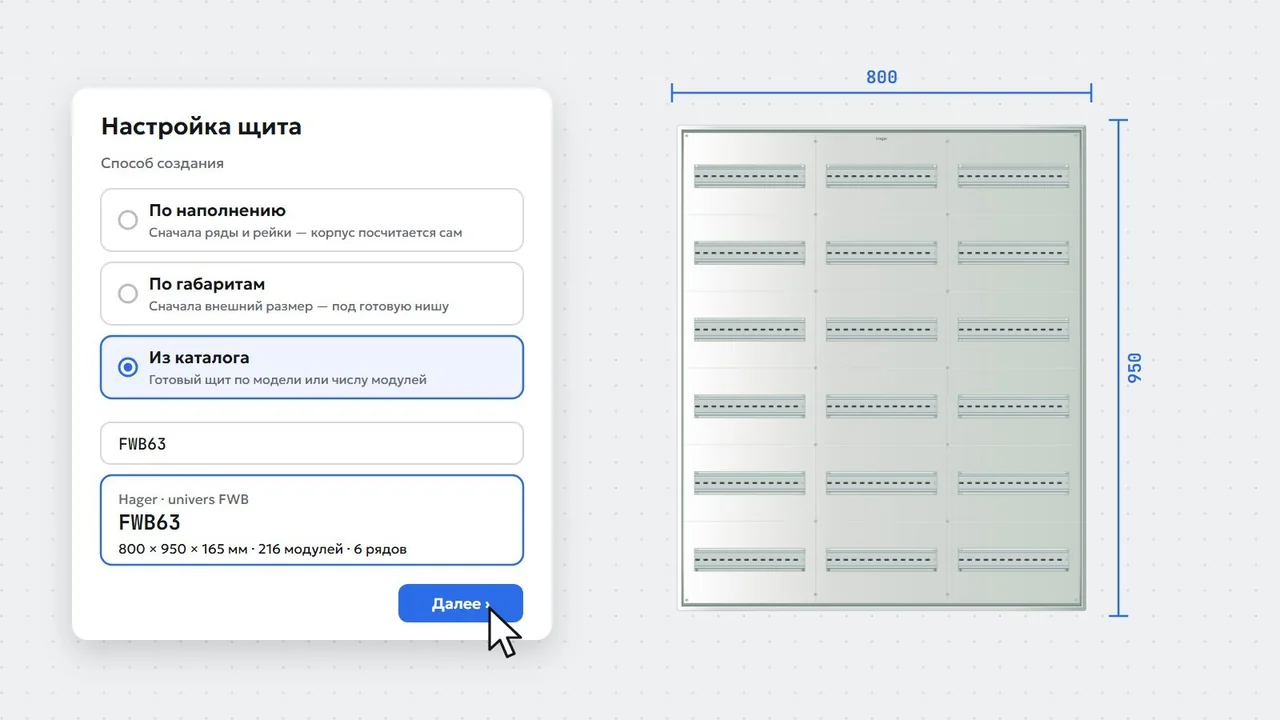
The largest enclosure on the page has 216 modules. If you need more, use a floor-standing cabinet or split the panel in two: incomer and metering in one, final circuit breakers in the other. In that case the page suggests this instead of showing an error.
Does the enclosure have to be ABB?
No. The ABB enclosures are examples from the studio catalogue, so you can see the dimensions, number of rows and modules per row. The size in modules works for any manufacturer: check the rows and modules per row of the one you choose.
Is it free?
Yes. The calculation, layout and PDF need no sign-up and no payment. The rail and spare setting are saved in your browser.
In the studio this happens by itself
- 01A real enclosure from the catalogue
Choose the enclosure by model or by number of modules, with the manufacturer's rails and dimensions.
- 02Devices sit on the rails
You can start with the contents: rows and rails first, and the enclosure is worked out for you. You see straight away what fits.
- 03Panel heat calculation
Panel heating is calculated to GOST 35224 and exported to PDF along with the other documents.
The studio runs in the browser, nothing to install.