- Home
- Tools
Free tools for electricians
Build the DIN rail once and use it for labels, the diagram and panel sizing. Each tool gives you one PDF document.
- No sign-up
- Runs in the browser
- One panel for all three pages

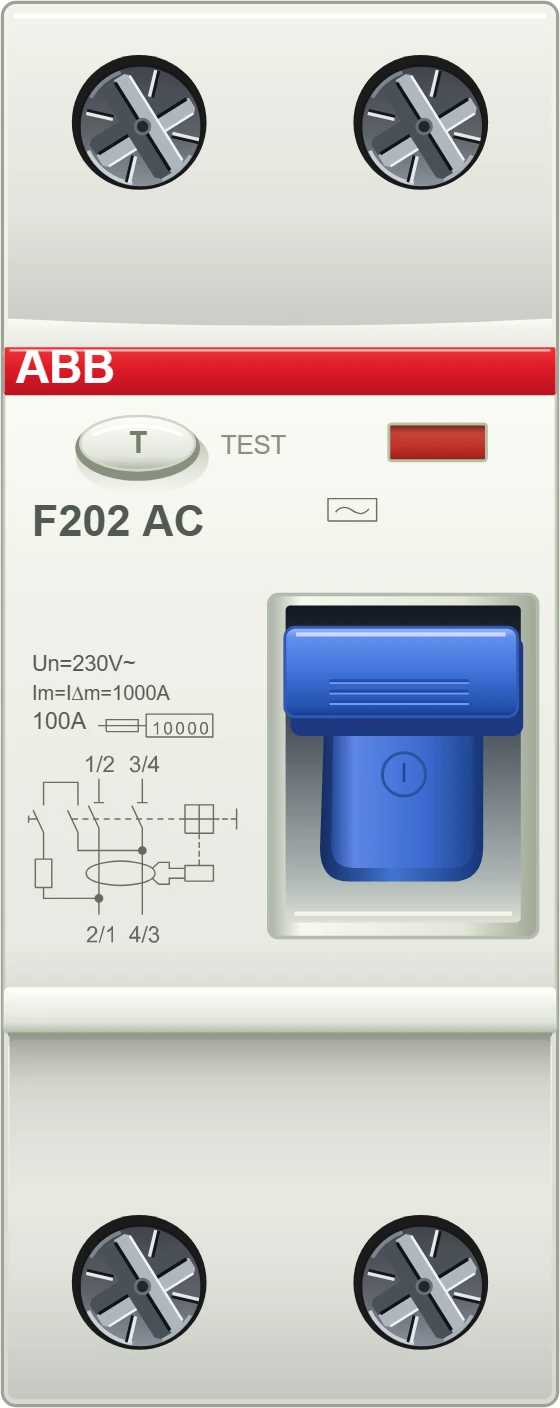
Choose what you need
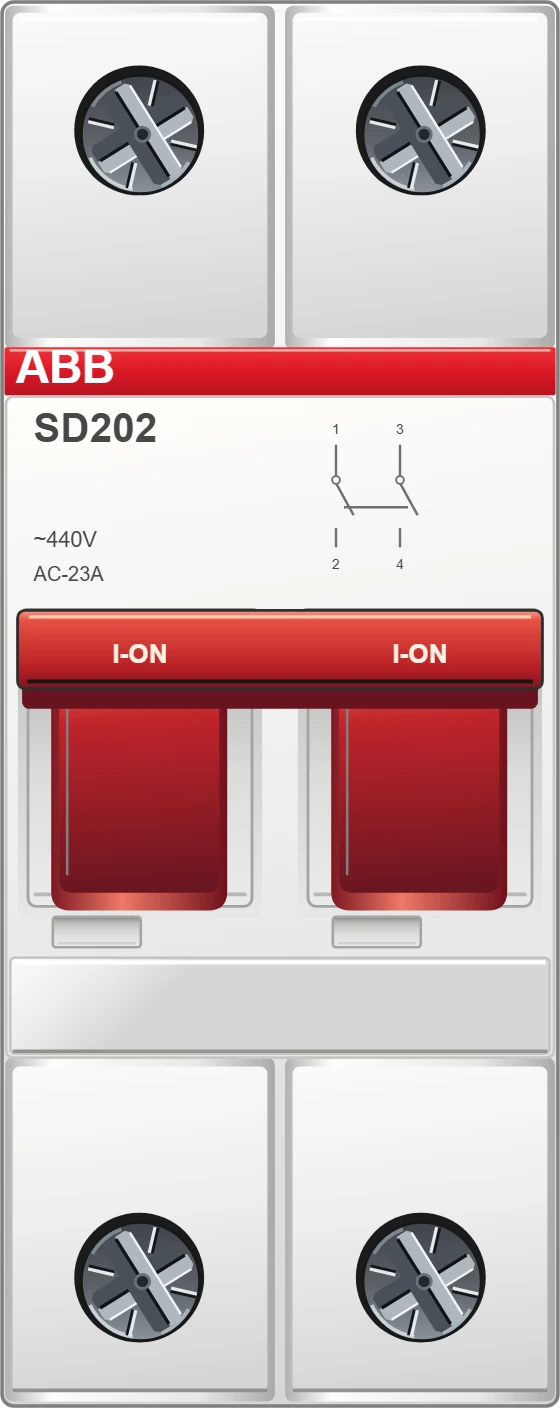
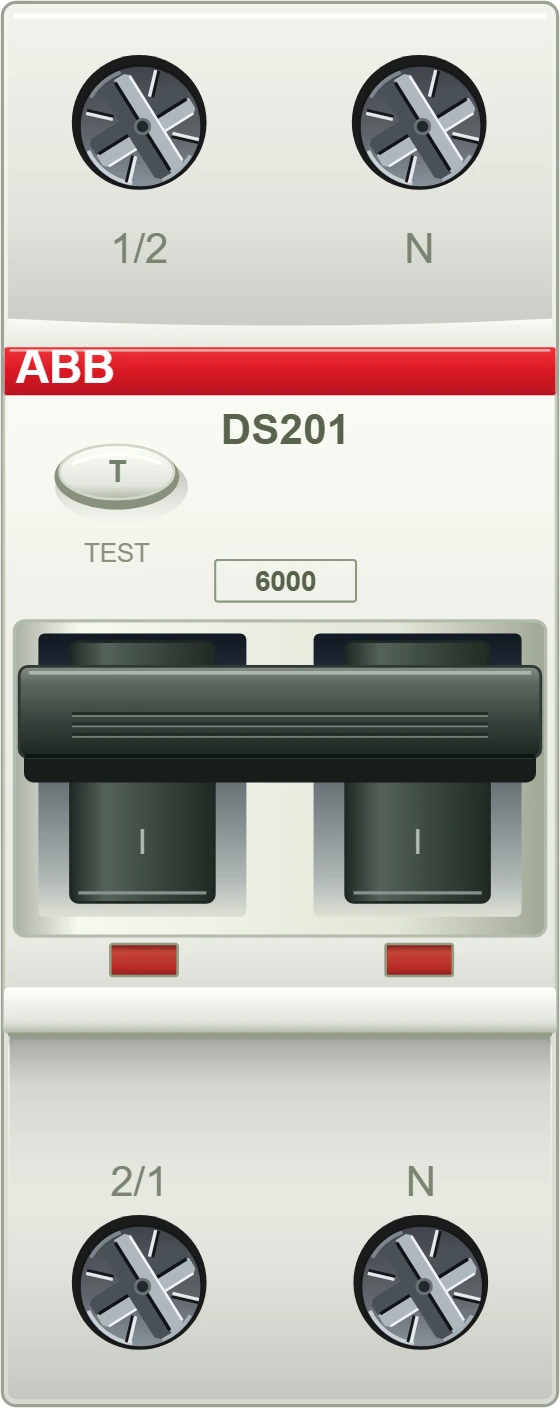
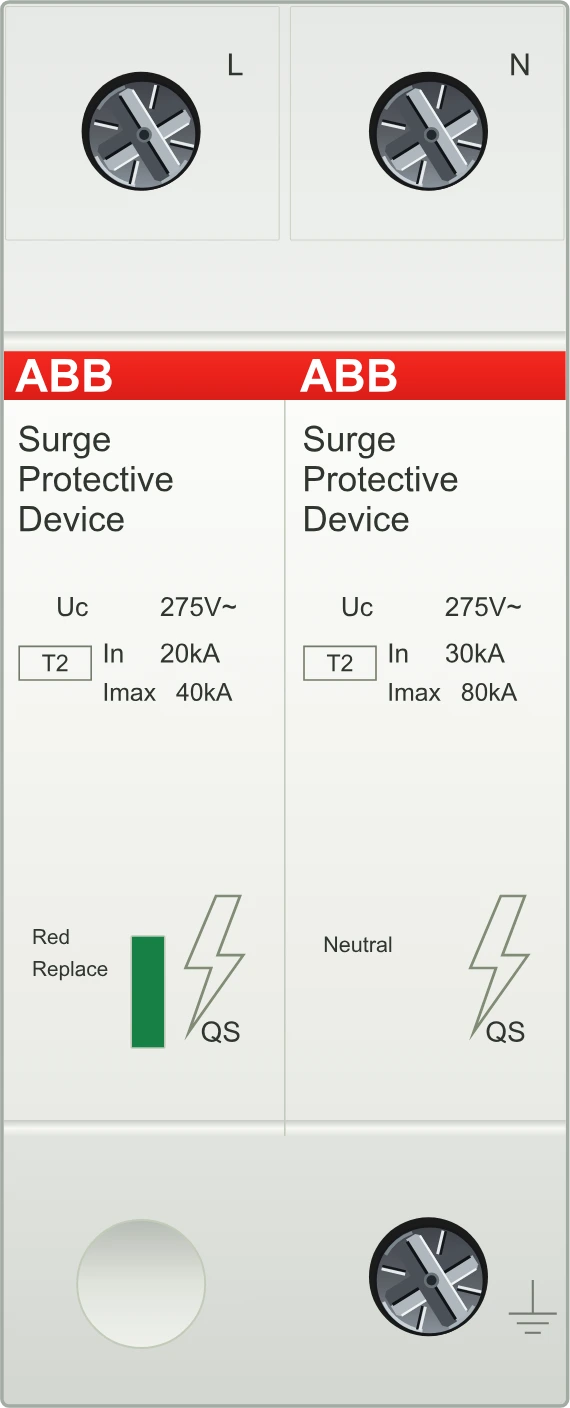
Each tool does one thing: it gives you a finished document. The rail you build in one is already in the others.
It is saved in this browser and open in all three tools.
-
Breaker labels
A label for every device: colour, icon, reference and text. Each label is as wide as its device.
What you getAn A4 sheet with cut lines for sticker paper, 1:1 scale.
-
Single-line diagram
The diagram is drawn from your rail: incomer, RCDs, circuits, QF, QD and QFD references, cables and loads.
What you getA PDF with the diagram and a circuit schedule; check hints are marked “for reference”.
-
Panel size
How many modules are used, how many you need with spare space, and which ABB enclosure fits it all row by row.
What you getThe number of modules you need, the standard size and a PDF with the row layout.
One rail, three documents
You don't re-enter the panel on every page. You build it once from real ABB devices, and it is stored in your browser.
- 01
Build the rail
Click devices in the palette: they snap into rows to scale, with ratings on the front. You can start from a ready-made example.
- 02
Open the page you need
Label the breakers, draw the diagram or size the panel: the rail is already there. Changes show up on every page at once.
- 03
Get the PDF by email
The result is an ordinary file: a label sheet, a diagram or an enclosure layout. All you need is an email address: no account, no payment, and the file is yours.
Small everyday jobs shouldn't hide behind a sign-up
The studio is software for designing and building a whole panel: enclosure, rails, wiring, documents. But some smaller jobs come up for almost everyone: labelling breakers, drawing a diagram, working out what size of panel you need.
We put them on separate pages. They run in the browser, the result is a plain PDF, and you can use them without creating an account. If you want more, carry on in the studio.
On these pages
- One rail of ABB devices in your browser
- Breaker labels on an A4 sheet
- Single-line diagram and circuit schedule, PDF
- Panel size and row layout, PDF
In the studio
- Multiple panels and an account, edit any time
- Enclosure from the catalogue, wires, terminals and wire markers
- Diagram with a GOST title block, bill of materials
- A link to the panel for the installer
In the studio this happens by itself
- 01One panel, every document
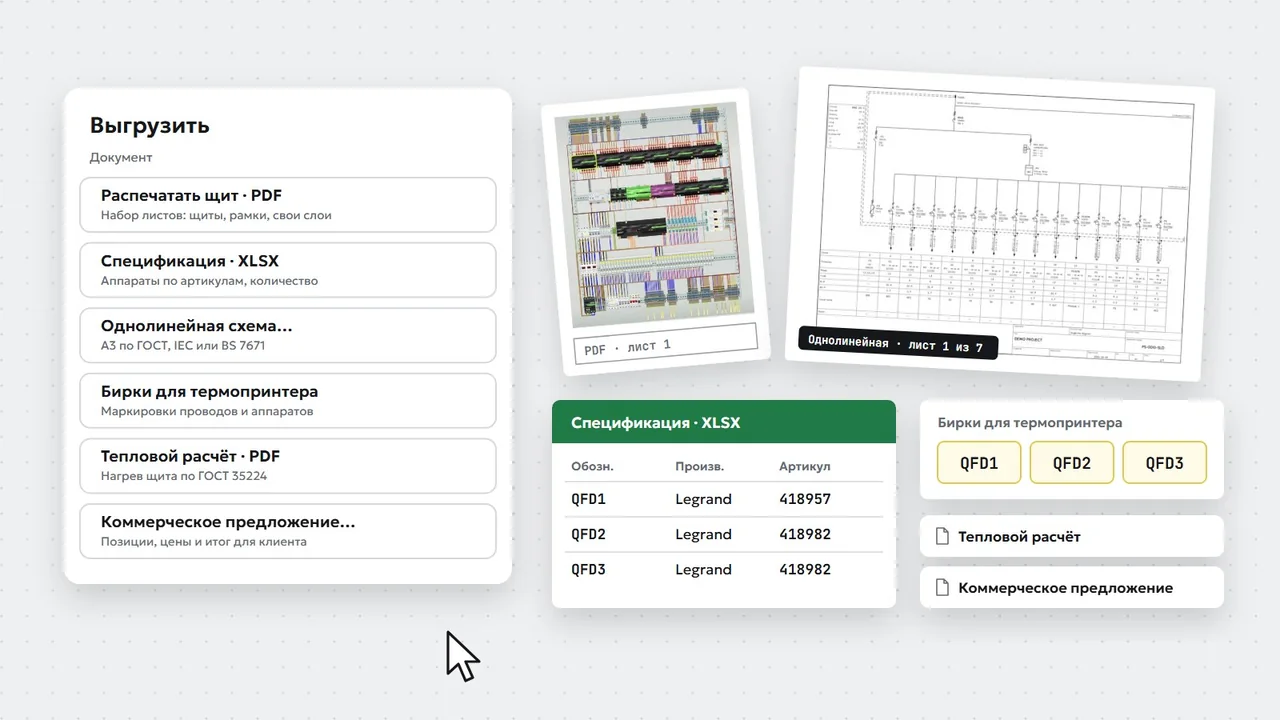
Panel PDF, bill of materials, single-line diagram, labels, heat calculation and a quote are all generated from one panel.
- 02Device library
Devices are drawn like the real thing. Missing a model? Send us the part number and we'll draw it from the datasheet and add it.
- 03A link for the installer
They open the panel from a link or QR code, no sign-up needed.
The studio runs in the browser, nothing to install.